AI-assisted development
Connect AI agents with SEGGER tools and hardware
- Give AI agents access to real target hardware
- Automate debugging, testing, and analysis workflows
- Integrate SEGGER tools into AI-driven development
Go beyond code generation
AI is changing the way embedded software is developed. But generating source code is only one part of the development process. In embedded systems, software ultimately has to run and perform reliably on real hardware.
SEGGER provides the connection between AI agents and embedded targets. Using established tools for programming, debugging, trace, and system analysis, AI agents can access target information, analyze runtime behavior, and use the results to support further development.
This creates the foundation for AI-assisted workflows that extend from code generation to debugging, analysis, and testing on real hardware.

For us, AI becomes interesting when it helps developers work with the real system. Embedded software has to run on hardware, and AI can help make the steps in between faster and easier — from programming and debugging to analyzing runtime behavior and testing the finished application.
USE CASES
Practical AI assistance for embedded development
From debugging and code inspection to system profiling and in-system testing, AI can take on time-consuming tasks and help developers get to the right information faster. The following examples show how AI-assisted workflows can work with SEGGER tools and real embedded systems.
01 - HardFault investigation
Investigate crashes with AI-assisted debugging
A HardFault can require checking multiple pieces of information before its cause becomes clear. An AI agent can use a debugging session to inspect the target state, correlate registers and the call stack with the source code, and help guide the investigation.
Typical prompts:
- Flash the firmware to the target and run it.
- The firmware crashed with a HardFault. Find out why.
- Fix the bug that causes the HardFault, then build, flash and run again.

02 - Code flow inspection on hardware
Understand what the firmware actually does
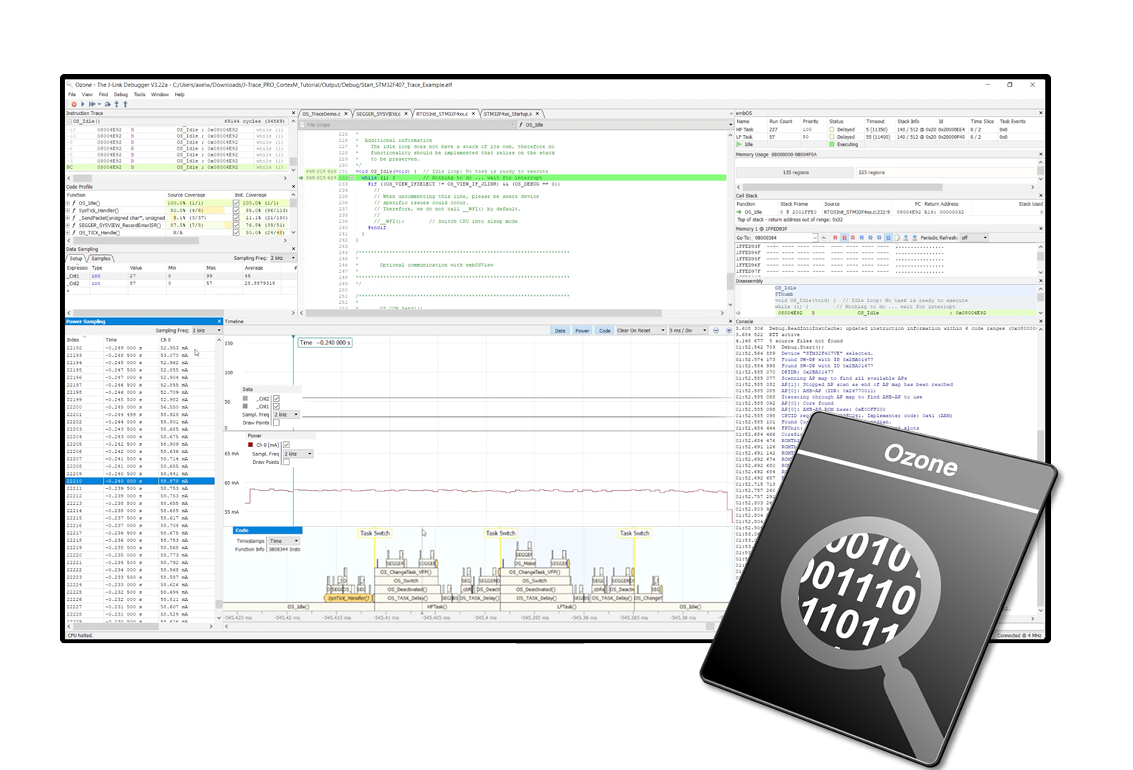
Source code tells only part of the story. During a debugging session, an AI agent can inspect the actual execution state of the target and help investigate code paths, variables and registers.
This allows developers to ask questions about the running application instead of manually navigating through the complete debugging context.
Typical prompts:
- Record the code flow while the firmware handles a UART message and show me which functions run, in order.
- Stop at the message handler and show me the local variables and the receive buffer.
- Using the trace and the program state, explain how the firmware handles this message.
03 - Copiloted in-system test runs
Bring AI assistance into the test cycle
Embedded software ultimately has to work on real hardware. AI agents can support the entire test workflow — from generating integration tests based on requirements to executing tests on the target and analyzing failures.
Failed tests can trigger further investigation and code changes, followed by another test run. The workflow can also include verification reports linking test results, coverage and requirements.
Typical prompts:
- Write integration tests for the sensor and communication modules, based on the requirements.
- Build the test firmware, flash it to the target, and run all integration tests on the hardware.
- Which tests failed? Find out why, fix the cause, and rerun the test suite to check for regressions.
04 - Complex system profiling
Ask complex questions about long-running execution data
Long trace recordings contain a huge amount of information. Finding a specific interaction manually can be time-consuming, especially when several tasks, interrupts and execution paths are involved.
AI-assisted analysis can make this data accessible through natural-language questions and help identify patterns across complex recordings.
Typical prompts:
- How many times was my GUI task interrupted by an ethernet interrupt?
- Show the execution paths around these interruptions and identify which functions were executing before each interrupt.
- Compare these occurrences. Were there recurring patterns or unusually long delays before the GUI task resumed?
05 - System behavior summary
Turn runtime data into useful answers
SystemView provides detailed insight into tasks, interrupts, timing and system events. An AI agent can use this information to summarize system behavior, answer specific questions and help identify relevant patterns.
Instead of manually interpreting large amounts of runtime data, developers can start with the question they want answered.
Typical prompts:
- Which task consumes the most CPU time?
- Which interrupts occur most frequently in this recording?
- What was happening in the system during the period of highest CPU load? Summarize the relevant task switches and interrupts.
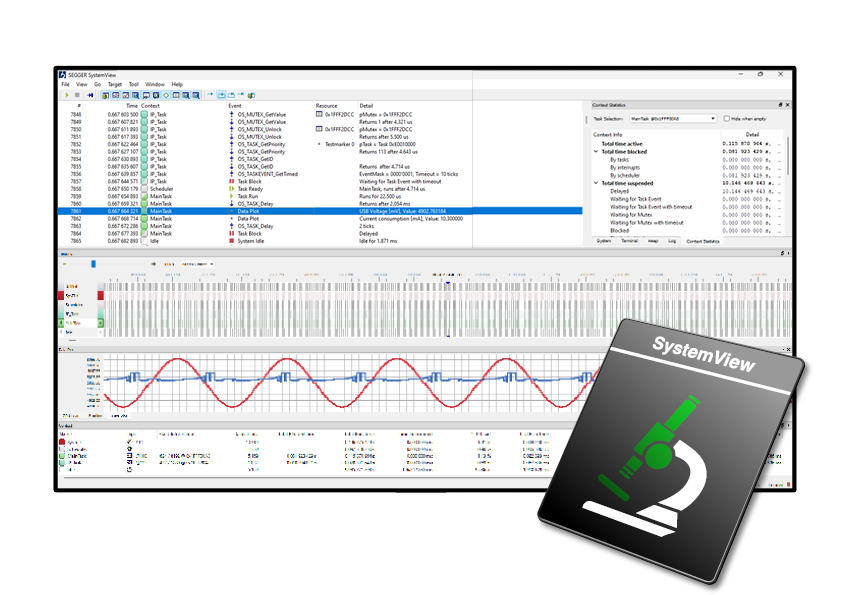
Connect AI to SEGGER
Integrating AI with the tools and capabilities of the SEGGER ecosystem
SEGGER tools provide access to the development, debugging, tracing and runtime data that AI-assisted workflows can use to support embedded development.
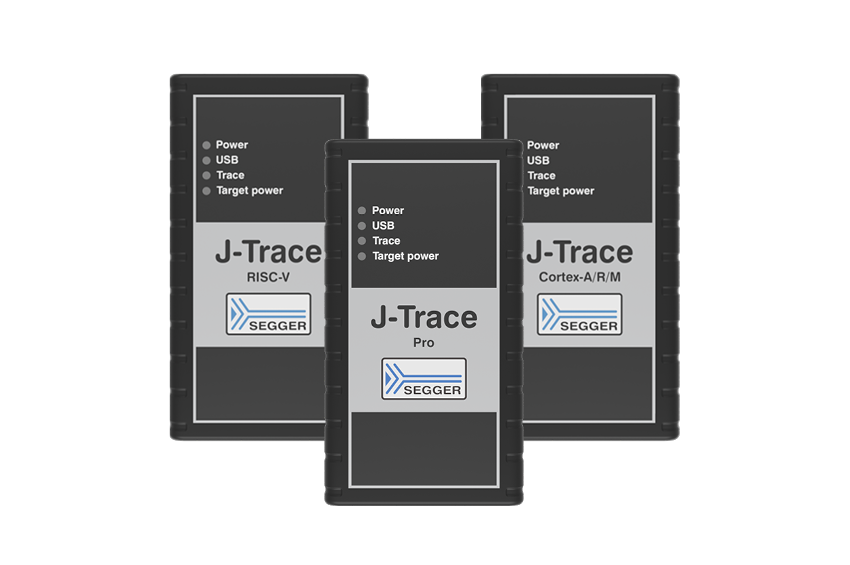
Depending on the application, AI agents and assistants can interact with Embedded Studio, Ozone, SystemView, J-Trace and J-Link-connected target hardware.
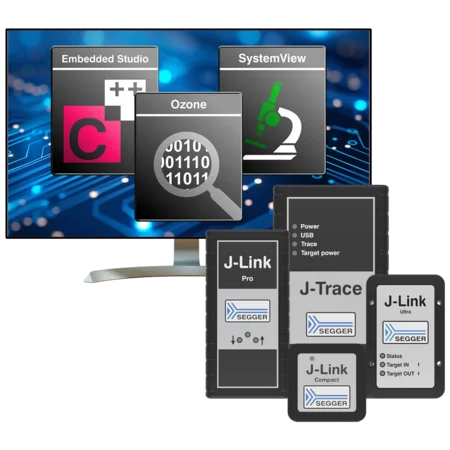
AI agents & assistants
AI agents and assistants can work with SEGGER tools as part of development, debugging, testing and analysis workflows.
- Inspect projects and debugging sessions
- Access target and runtime information
- Support multi-step development and analysis tasks
Skills & MCP
Skills provide reusable capabilities for specific tasks, while MCP provides a standardized way for AI applications to access tools and resources.
- Reusable capabilities for embedded workflows
- Standardized access to tools and resources
- Continued improvements to skills and supporting utilities for AI agents
SDKs & APIs
SEGGER SDKs, command-line tools and automation interfaces enable custom applications and workflows across the SEGGER ecosystem.
- Access J-Link functionality through the J-Link SDK and automate sequences with J-Link Commander
- Control SystemView and automate Ozone debugging workflows
- Build firmware using Embedded Studio's emBuild command-line tools
FROM THE SEGGER BLOG
AI-assisted development at SEGGER
Dieses Element geht erst live, sobald der Blogbeitrag online ist
AI agents can do more than generate code. Discover how existing SEGGER automation interfaces enable workflows from building and flashing firmware to debugging, runtime analysis and in-system testing — and learn how the SEGGER AI Development Toolbox aims to simplify AI-assisted embedded development.

Stay up to date
AI-assisted embedded development is evolving rapidly. Stay informed about new SEGGER AI integrations, partnerships, webinars, use cases, and other developments.

AI use case in mind?
Discuss AI-assisted development, integrations, and specific embedded use cases with SEGGER. The SEGGER team can discuss requirements, available technologies, and potential approaches for specific applications.
FAQ
Does SEGGER provide its own AI model or AI assistant?
SEGGER does not provide its own AI model or dedicated AI assistant. SEGGER tools can be integrated into AI-assisted development workflows using suitable agents, assistants, SDKs, APIs and other interfaces.
Which AI agents and assistants can work with SEGGER tools?
SEGGER tools can be used as part of workflows with compatible AI agents and assistants. Available capabilities depend on the specific integration and SEGGER tool involved.
Does SEGGER support MCP?
SEGGER is exploring and developing suitable ways to make SEGGER capabilities available to AI-assisted workflows.
Which SEGGER tools can be used in AI-assisted workflows?
AI-assisted workflows can make use of CLIs and APIs provided by SEGGER tools such as Embedded Studio, Ozone, SystemView, J-Trace and J-Link, depending on the specific task and integration.
Can AI agents interact with real target hardware?
Yes. AI-assisted workflows can interact with target hardware through SEGGER technologies such as J-Link and J-Trace. The Embedder partnership provides a practical example of such an integration.
Can custom AI integrations be built with SEGGER technology?
SEGGER provides SDKs and APIs that can be used to build custom applications and workflows. The J-Link SDK, for example, enables integration of J-Link functionality into custom software and automated test applications.
Get in touch with us
Have questions or need assistance? Our Embedded Experts are here to help!
Reach out to us for:
- Licensing quotes
- Technical inquiries
- Project support