emWin-sim
Complete source code for the emWin PC simulation
- Build the emWin PC simulation from source
- Use your preferred compiler and compile settings
- Customize the simulation build to your requirements
Key features
Complete simulation source code
emWin-sim provides the complete source code required to build the emWin PC simulation.
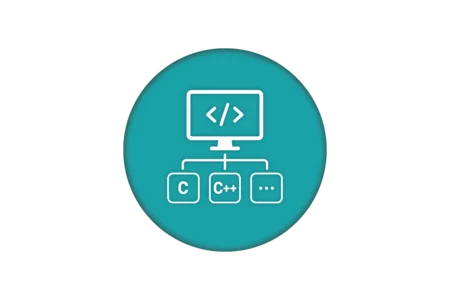
Compiler flexibility
Build the PC simulation with a compiler of your choice instead of relying on the pre-built libraries compiled with Microsoft Visual C++.
Custom build configuration
Use your own compiler and build settings to adapt the emWin PC simulation to your specific development environment.
How emWin-sim works
By default, the emWin PC simulation is provided as pre-built x86 and x64 libraries compiled with Microsoft Visual C++. These libraries can be integrated directly into a simulation project without rebuilding the simulation itself.
For projects that require a different compiler or custom compile settings, emWin-sim provides the complete simulation source code. Developers can build the PC simulation from source using their preferred toolchain and configure the build according to their project requirements.
When to use emWin-sim?
The pre-built emWin simulation libraries are suitable for projects using the supported Microsoft Visual C++ environment and standard compile settings. emWin-sim is intended for projects that require more control over how the PC simulation is built.
Typical use cases include:
- Using a compiler other than Microsoft Visual C++, such as MinGW on Windows
- Applying project-specific compiler or build settings
- Integrating the simulation into an existing development environment with specific build requirements
- Building the simulation from source instead of using the pre-built x86 or x64 libraries
FAQ
What does emWin-sim include?
emWin-sim includes the complete source code required to build the emWin PC simulation. No additional examples, projects, or tools are included.
Which compilers can be used with emWin-sim?
The standard emWin PC simulation libraries are compiled with Microsoft Visual C++. emWin-sim allows the simulation to be built with other compilers, such as MinGW on Windows.
What are the benefits of having access to the simulation source code?
In addition to enabling custom builds, access to the complete source code provides insight into the implementation of the emWin PC simulation.
Get in touch with us
Have questions or need assistance? Our Embedded Experts are here to help!
Reach out to us for:
- Licensing quotes
- Technical inquiries
- Project support